
Demo edition: original sample content for a website smoke test. The scenario is fictional; this is not a report of a real event.
Make the first adjustment easy
The fictional prototype in this design exercise begins with a settings link on its opening screen. Players can look for a more comfortable arrangement before entering the first level.
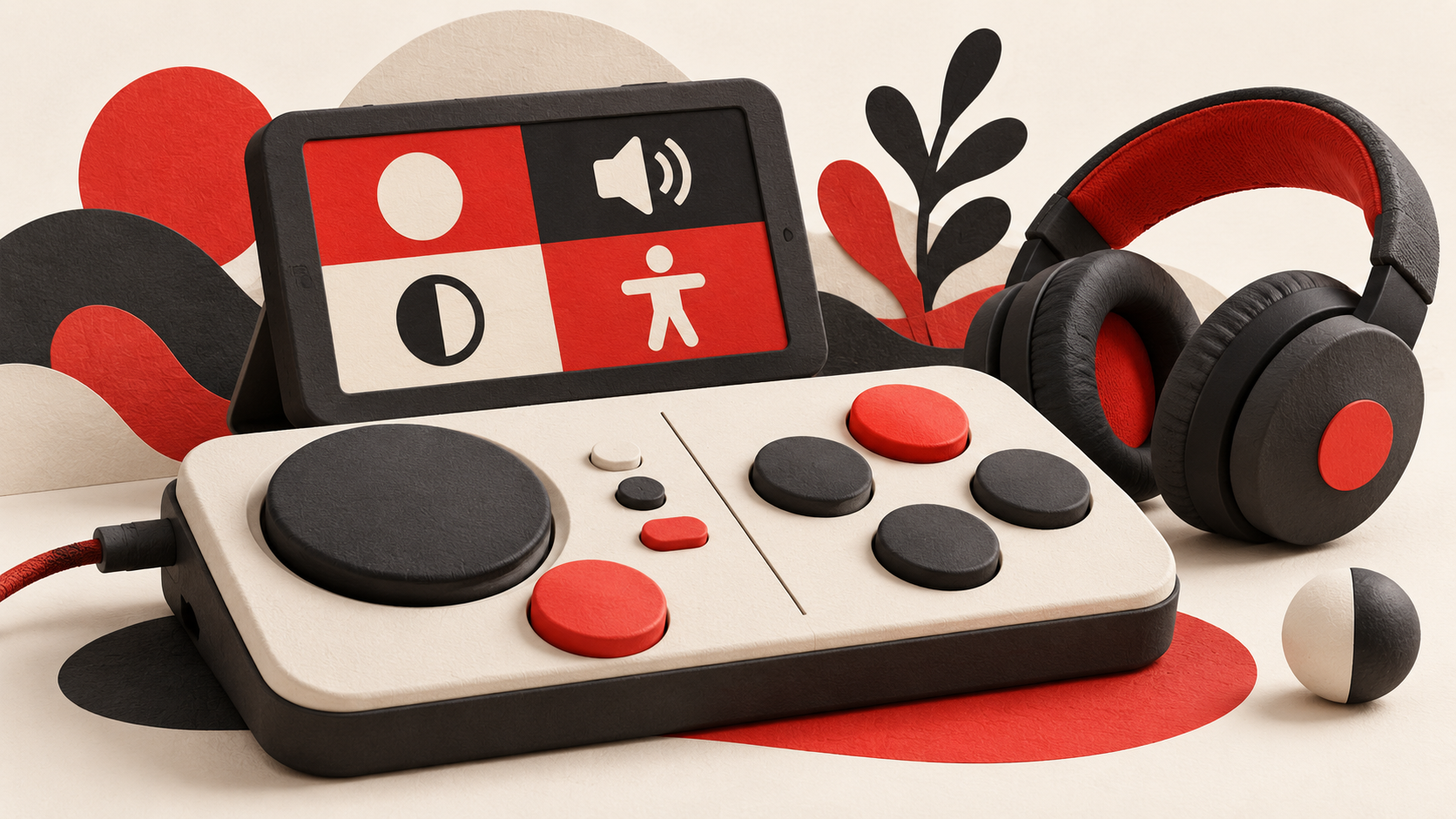
The sample menu separates visual presentation, sound and controls. Each group uses ordinary language to describe the result of an adjustment.
Explain the effect
Instead of displaying a slider without context, the prototype includes a small preview. A player can see a text-size change or hear a sound adjustment before deciding whether to keep it.
The example also includes a way to return to the previous choice. That lets someone explore the menu without feeling that one accidental action will make the game difficult to use.
Keep options independent
The fictional team avoids assuming that one preset meets every need. A player might want larger text while keeping the original colours, or quieter effects while leaving dialogue unchanged.
This article describes a made-up interface, not the accessibility features of a real game. The design question is whether people can discover, understand and combine available choices without reading a lengthy technical explanation first.
Cover: AI-generated editorial illustration.